Attribute-driven tools for Webflow, completely free.
A growing library of lightweight, attribute-driven JavaScript solutions built to expand your websites functionality faster. No code knowledge required.
10,000+ Installations
How kits work
Add superpowers into your site in three simple steps.
Step 1
Copy & Paste
Copy your kit's script and drop it into your site's
<head> — no build tools required.Step 2
Add Attributes
Add custom data attributes to the element to activate the kit's functionality — no custom code needed.

Step 3
Go Live
Publish your site. The kit runs instantly and pulls updates from us automatically.
GDPR Compliant
Kits set no cookies, uses no localStorage, makes no external requests, and collects zero personal data.
Multi-Step Form
Turn any Webflow form into a smooth, guided multi-step experience. All with one script, zero dependencies, and no custom code required.

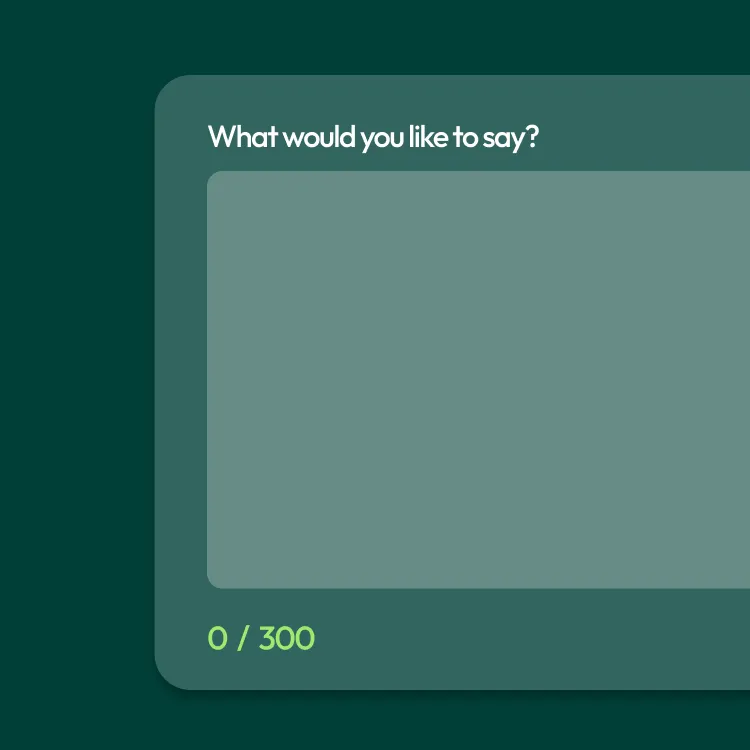
Auto Form Characters
Show users how many characters they have typed — or how many they have left. Set a hard limit, display remaining characters, and style the warning state directly in Webflow.
Form Field Mask
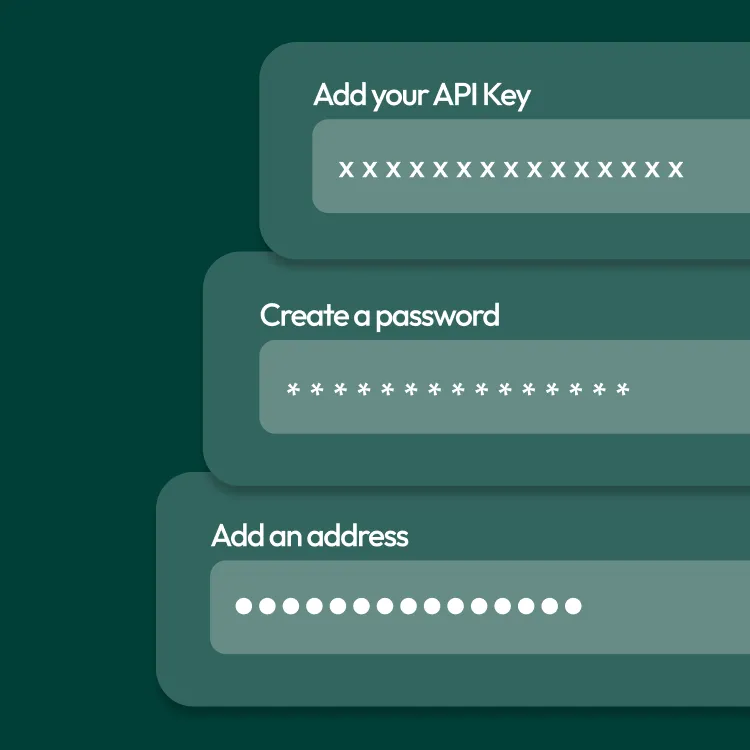
Replace characters with dots, stars, or x as users type into any form field. Visual only - the real value is always submitted untouched.
Country Selector
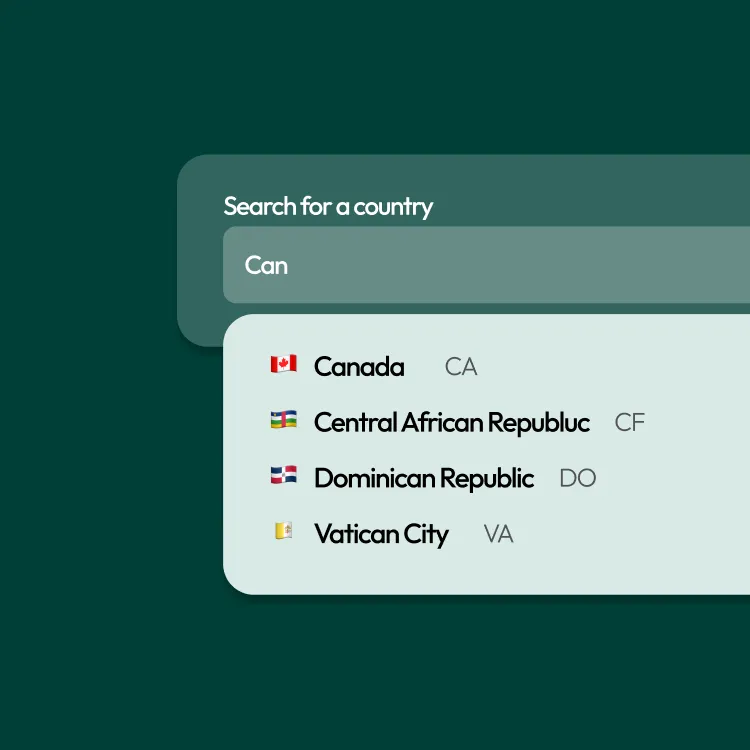
Convert a Webflow form input into a searchable country selector in seconds. One script, one attribute. Now with light and dark themes!
ScrollWriter Animation
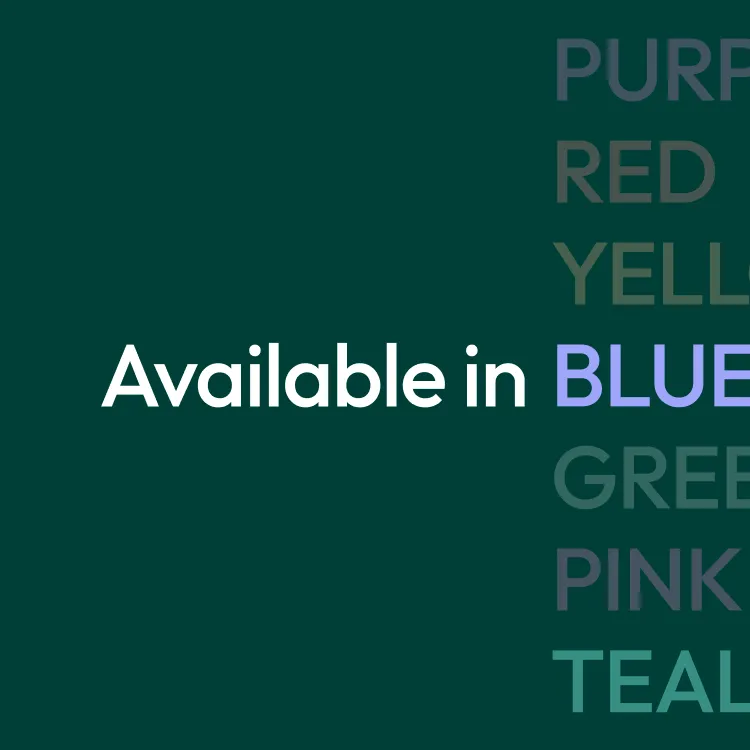
Swap words in your headings with a vertical scroll or crossfade transition. Set a different colour per word. Loops indefinitely with no performance impact.
TypeWriter Animation
Type a single word once or cycle through multiple words with a blinking cursor. One attribute on a span inside your heading and it works.

Auto Copyright Year
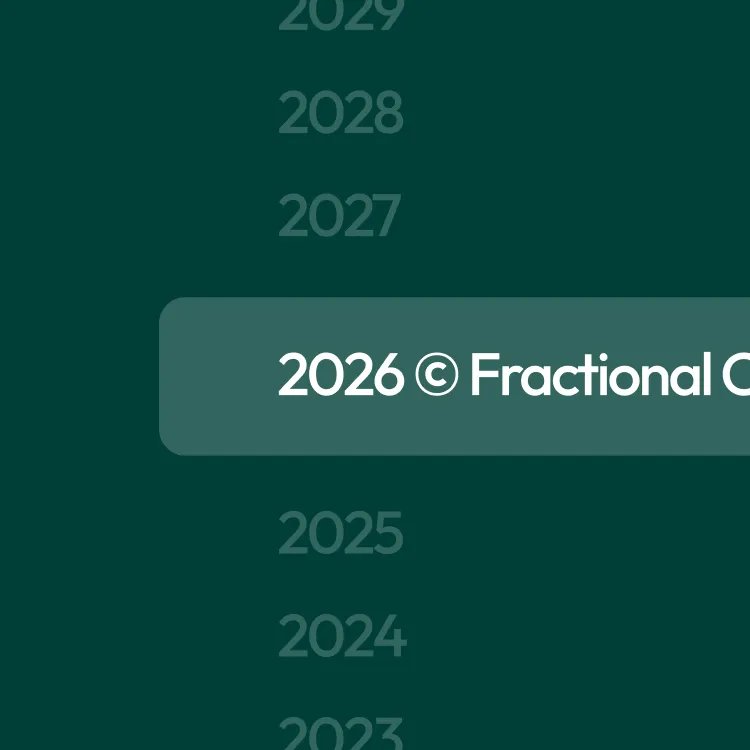
Stop updating your footer every January. One attribute on any text element updates it to the current year automatically on every page load.
Copy to Clipboard
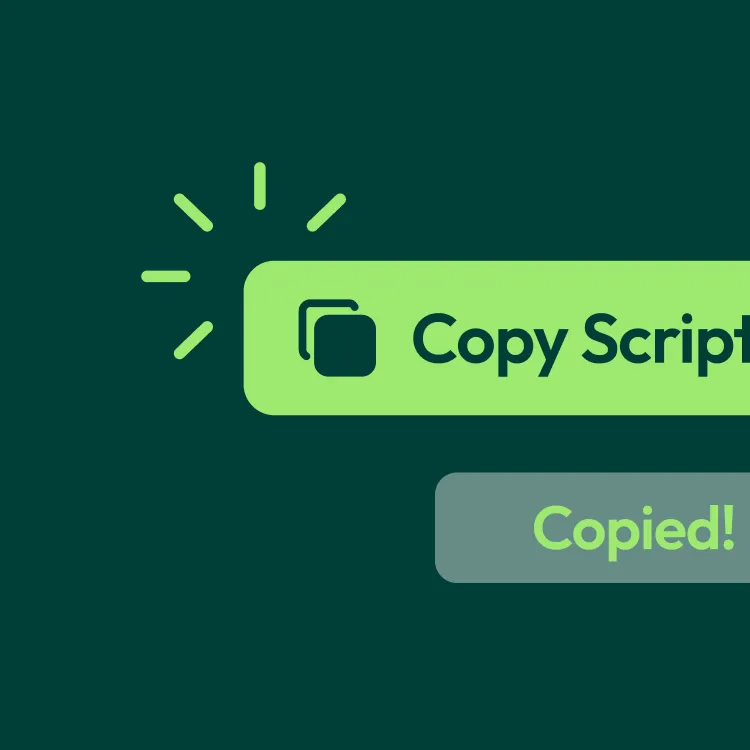
Let users copy any text on your page with one click. Connect a trigger, a source, and an optional confirmation message with no code required.
Auto Count Up
Make your stats come alive. Any number counts up from a start value to an end value the moment it enters the viewport. Triggers once, never repeats.

Scroll Progress Bar
Add a reading progress bar to any Webflow page. Style the track and fill directly in Webflow and it updates smoothly as the user scrolls.